Why I Built This
WhyIBuiltThis
Turning a rough idea into a clean, multi-page PDF usually means bouncing between a writing app, a layout tool, and a manual proofreading pass. AI can draft the words, but it can't see how they'll look once laid out on a page, so the results often overflow, lose their structure, or space awkwardly.
Documents also tend to hold sensitive information. Sending that content and your API keys off to a third-party service is a real privacy risk, so Ordino needed a way to keep everything on your device while still using a powerful cloud AI model.
My Approach
MyApproach
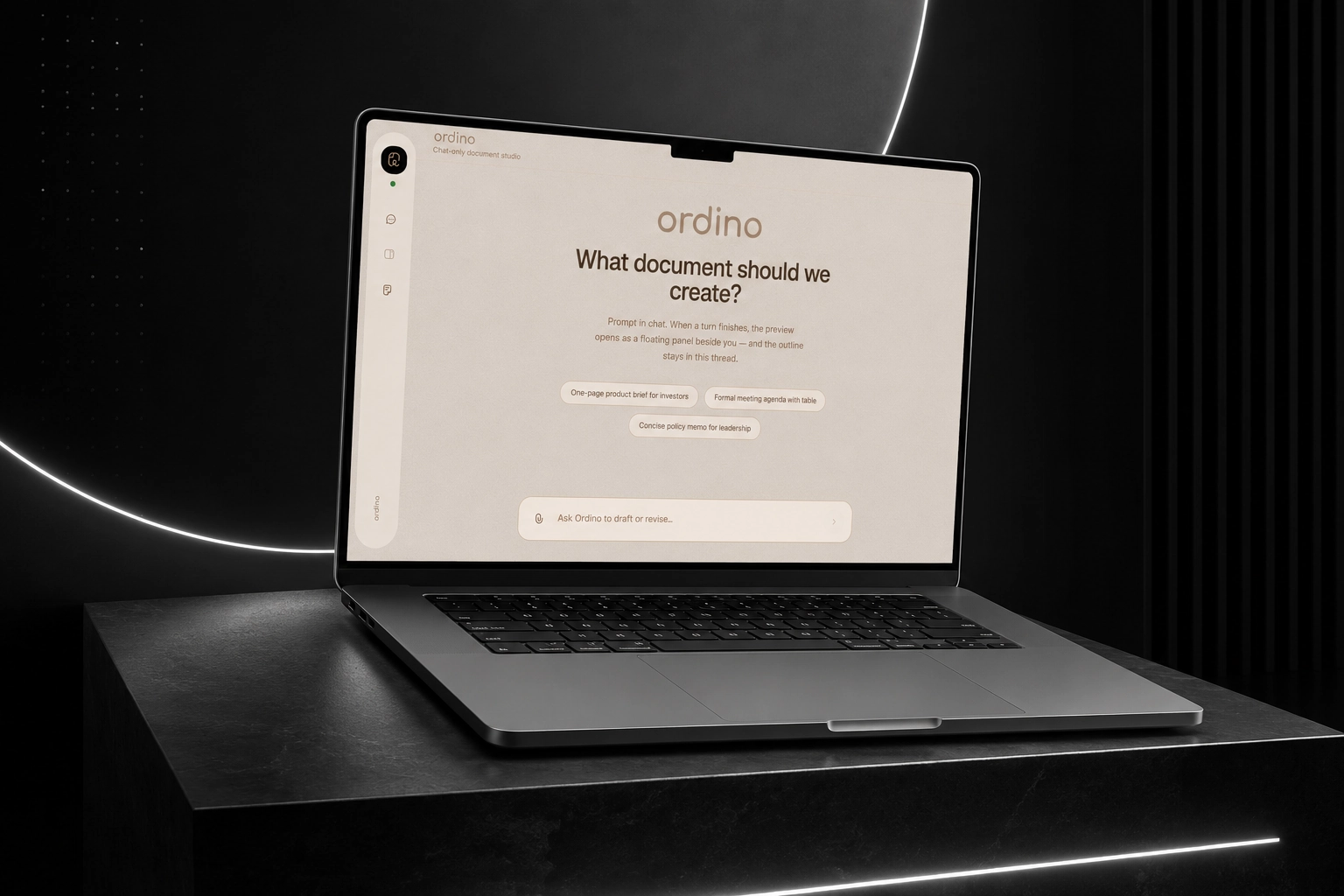
Ordino connects writing and layout into one loop. It drafts your document, renders it to a real PDF, then takes a picture of each page and lets the AI actually look at the result, spotting layout problems the way a person would and fixing them before you ever see the file.
Everything sensitive stays with you. Your documents and history live entirely in your browser, and every AI request is routed through a secure server layer so your API key is never bundled into the app or exposed to the outside world.
Key Features
KeyFeatures
- Chat your way to a finished document. Describe what you need and Ordino plans, writes, and formats it for you
- Self-correcting layout: Ordino looks at each rendered page like a human proofreader and fixes spacing, overflow, and hierarchy issues automatically
- Add reference images to guide the tone, style, or structure of your document
- Private by default: your documents and history never leave your browser, and the AI key is never exposed
- Instant PDF preview and one-click export, generated right on your device
How the System Works
HowtheSystemWorks
Ordino works in a simple loop: it plans your document, writes it, renders a preview, checks how it looks, and revises until it's right.
- You describe the document you want in chat and optionally add reference images
- Ordino plans the structure and writes the content section by section
- It renders your document into a real, multi-page PDF preview
- It reviews each page visually, like a proofreader, to catch spacing, overflow, and hierarchy issues
- It revises the document and repeats the review up to a few times until the layout looks clean
- You get the finished PDF to export, and your session is saved locally so you can pick up where you left off
Engineering Challenges & Lessons Learned
EngineeringChallenges&LessonsLearned
AI can't judge page layout from text alone, so Ordino renders each page to an image and feeds it back to the AI, giving it a real preview to critique and improve, just like a human editor would.
Keeping documents private while still using a cloud AI model meant routing every request through a secure server layer and keeping all document processing and history in the browser, so your API key and content are never exposed.
Making sure edits never break the document meant building a small set of well-defined editing tools with strict validation, so every change is checked before it's applied.
What I’d Improve Next
WhatI’dImproveNext
- Support more export formats and richer templates beyond PDF
- Give users control over how thorough the review passes are
- Add real-time collaboration so multiple people can work on a document together